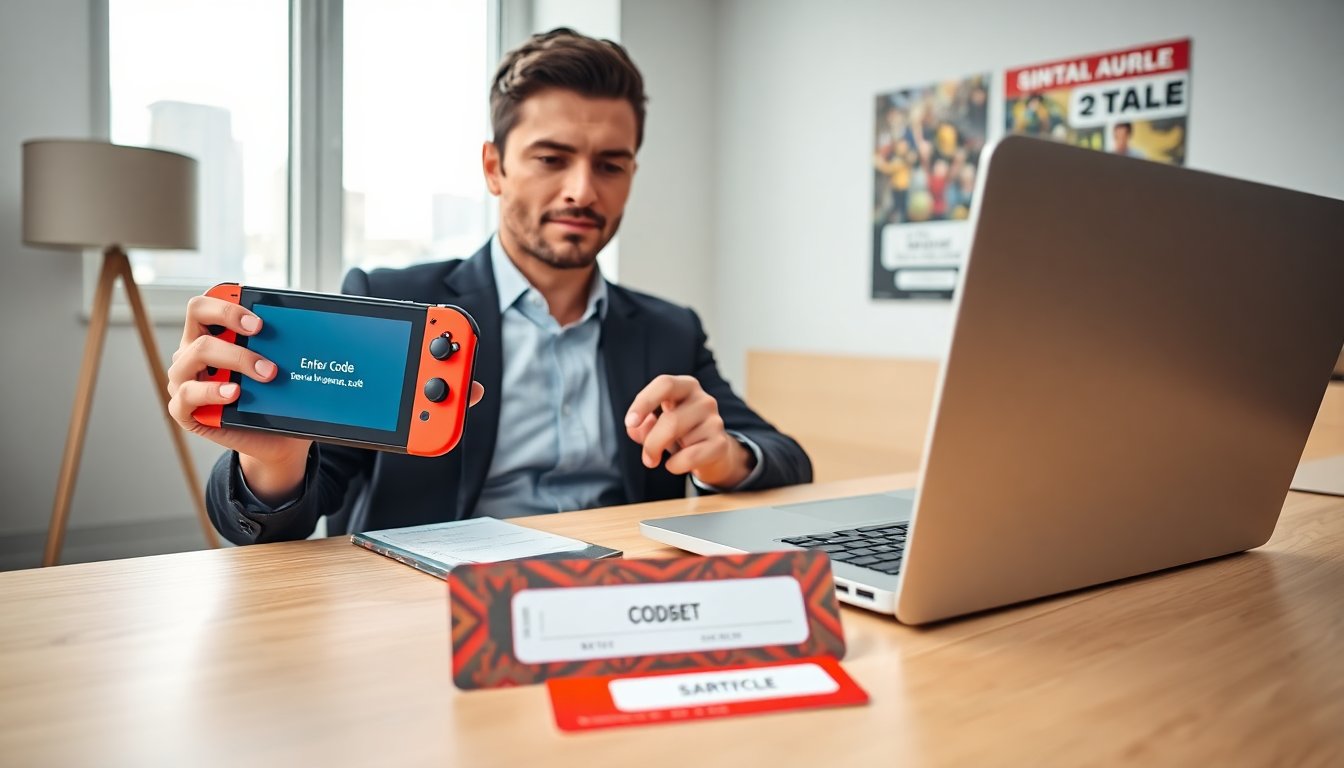
Switch game codes help players unlock items, demos, and discounts. This guide explains what switch game codes are, where players find them, and how they redeem codes on a Nintendo Switch. The guide uses clear steps and quick tips. It keeps language simple so readers can act fast and avoid common problems.
Key Takeaways
- Switch game codes unlock full games, DLC, items, demos, and discounts, enhancing the Nintendo Switch gaming experience.
- Players can find legitimate switch game codes through retail cards, digital storefronts, official emails, and trusted gaming communities.
- To redeem switch game codes, users must enter the exact code in the Nintendo eShop while ensuring account region matches the code region.
- Common redemption errors include region mismatches, used or invalid codes, and network issues, all of which have clear troubleshooting steps.
- Always verify code sources and keep purchase receipts to resolve issues and avoid invalid or fraudulent switch game codes.
What Are Switch Game Codes And The Different Types You’ll Encounter
Switch game codes refer to short alphanumeric keys. Publishers issue them for DLC, in-game items, or free demos. Retailers sell physical cards that hide codes under scratch panels. Digital stores deliver codes by email or account messages. Community creators share promo codes on forums and social feeds.


Players will find these main types of switch game codes:
- Redeem codes for full games or trials. These codes unlock a full title or a timed play period.
- DLC codes for extra levels, characters, or outfits.
- Item codes for cosmetics, consumables, or currency.
- Discount codes for eShop purchases or bundles.
Codes can expire. Codes can be region-locked. Players should check code terms before purchase.
Cowded covers niche lists and code guides that help players spot valid offers. For example, readers can follow guides on game builder garage codes to learn how some codes work in builder titles. Nintendo news sites and guides often report on major drops, and sites like Nintendo Life publish eShop alerts and official code promos.
Where To Find Legitimate Switch Game Codes (Retail, Digital, And Community Sources)
Retail stores sell sealed cards that contain switch game codes. Big retailers and indie shops carry these cards in the physical games aisle. Game publishers include codes in collector editions and special bundles.
Digital storefronts deliver codes after purchase. eShop receipts, publisher emails, and verified partner stores all send codes. Players should check spam folders for missed code emails.
Communities share codes but with risk. Forums, Discord servers, and social feeds host giveaways and trade threads. Players should verify posters and read comments before trusting a code.
Players can find codes through game-specific guides on Cowded. The site posts lists such as Unlock Exciting LEGO Movie for themed titles and Unlock Fun: Ultimate Super for retro-style entries. News sites and walkthrough hubs also list legitimate drops and limited-time events, for example Game Rant and Game8 often report timed promos and community events.
To reduce risk, players should buy codes from known sellers and avoid transfers from unknown accounts. Region checks and receipt proofs help when a code fails.
How To Redeem Codes On Your Nintendo Switch Step‑By‑Step
Players should sign in to the Nintendo Account linked to their Switch. They should confirm the account region matches the code region. They should update the console system before redeeming codes.
Step 1: Open the Nintendo eShop app on the Switch. The user should pick the account profile that will receive the content.
Step 2: Scroll to the left menu and select “Enter Code.” The user will see a field labeled “Download Code” or “Redeem Code.”
Step 3: Type the switch game codes exactly. The user should avoid extra spaces and watch letters that look similar.
Step 4: Confirm the entry and accept any on-screen prompts. The eShop will show the item, price, and download status. If the code unlocks a free item, the user will see “Download” or “Add to Library.” If the code gives a discount, the user will see the updated price.
Step 5: Start the download or return to the Home menu when the download completes.
Cowded also tracks subscription and pass codes. Readers can compare guides about game pass codes and game pass ultimate codes to understand cross-platform promotions. For free promotions, the site lists tips for scoring free xbox game pass codes.
Troubleshooting Common Redemption Errors And How To Fix Them
The most common error is “This code cannot be used in your region.” The fix is to check the Nintendo Account region and the code origin. The user can move to an account that matches the region or request a region-appropriate code from the seller.
Another frequent error is “Code already used.” The user should verify the purchase receipt and contact the seller for proof of purchase. Players can reach out to Nintendo support with receipt copies.
If the eShop returns “Code invalid,” the user should retype the switch game codes and confirm character clarity. The user should check for similar characters like O and 0. If the code is still invalid, the seller may have issued a bad code.
Network issues can block redemption. The user should test internet access, reboot the Switch, and retry.
If the code unlocks content that does not appear, the user should confirm the correct Nintendo Account is active and check the Download Queue. If a purchased item shows a pending charge, the user should check the account balance or linked payment method.
For titles with manual activation, the user should follow the specific publisher steps. Cowded lists code-specific guides such as the invincible game codes article for titles that need manual steps. Readers can also find cross-platform hints at Unlock Xbox Game when deals involve multiple platforms.